What do you want to achieve?
Display smooth grayscale background images (e.g. smoke / fog effects) on an ST7789 display using LVGL and SquareLine Studio, without visible banding or color “blotches”, even though the display is limited to 16-bit (RGB565).
What have you tried so far?
I’m using SquareLine Studio to design the UI and export assets.
The display is an ST7789 configured correctly for 16-bit color (RGB565).
In SquareLine preview (PC), the image looks smooth and correct.
On the real display, subtle gradients (especially grayscale smoke-like images) show strong banding / uniform steps.
I verified:
- RGB/BGR is correct
- Byte order is correct
- 16-bit mode is correctly set on the panel
I tested a grayscale gradient rendered directly in LVGL: - Colors are correct
- The gradient shows uniform steps, confirming RGB565 quantization
I tried adding blur and smoothing filters in GIMP before exporting, but the banding remains.
From what I understand, SquareLine uses the LVGL image converter, which converts images to RGB565 without dithering, causing visible banding on smooth gradients.
Screenshot or video
SquareLine preview:
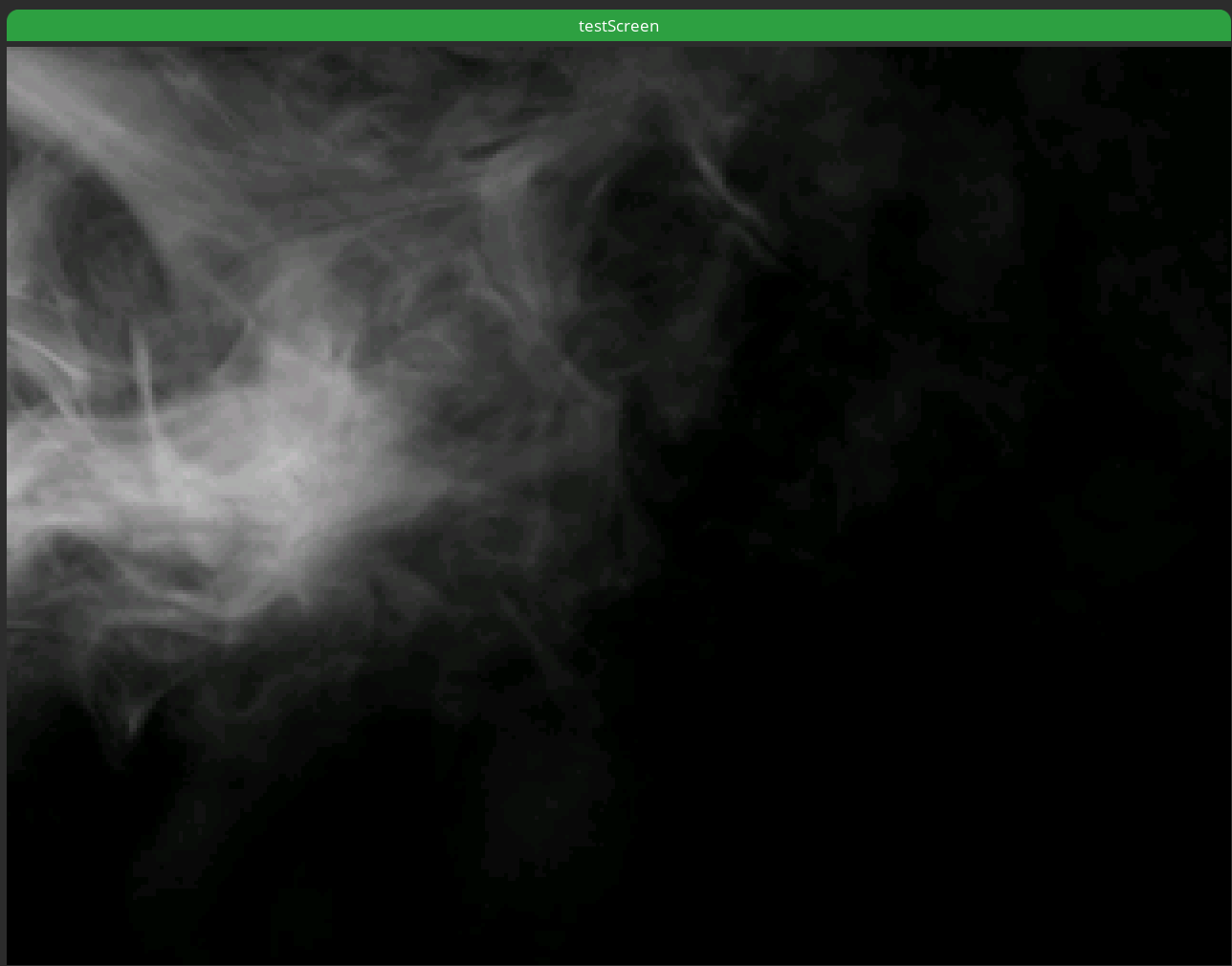
Screen picture:

Grayscale gradient preview:

Grayscale gradient on screen:

Others
- SquareLine Studio version: 1.5.4
- LVGL version: 9.2.2
- Operating system: macOS
- Target hardware: * ST7789 display (RGB565)